 English
 Bengali
777TK App Full Casino in Your Pocket, Built for Bangladesh
The 777TK Android package is downloaded directly from 777-tk.net/app.apk. It is not published on Google Play because Play Store does not host real-money gambling apps for Bangladesh — every licensed operator serving this market ships APKs directly, this is not unique to us. Weight sits near 22.5 MB. Minimum requirement is Android 5.0 Lollipop (released 2014) or later. There is no iPhone client because App Store policy blocks Bangladesh-facing gambling, and iOS sideloading isn't accessible for typical users. iPhone owners open the full library through the mobile casino site in Safari or Chrome without missing any titles. Browse our games catalogue before installing.

What Makes the 777TK Mobile App Different
The majority of casino apps demand Android 7.0 or higher. We hold the floor at Android 5.0 because the average phone lifespan in Bangladesh is meaningfully longer than in richer markets — locking out older hardware would exclude real players. The trade-off on our engineering side is roughly 4 MB of extra compatibility shim inside the APK. The upside on your side is that the app installs and runs on handsets that newer competitors flatly reject.
The client wraps the entire casino floor, sportsbook, and live dealer studios in a leaner, more stable shell than the mobile browser. Live streams hold quality longer, push alerts fire instantly for bonus releases and match kickoffs, and session handling stays sticky (no vanished progress when you jump to another app and back).
Your account lives on our servers, not on the phone. Balance, promotion status, KYC state, and wagering history stay identical whether you open the desktop site, the mobile browser, or the app — swap devices whenever you want. Start a session on a laptop, move it to a phone during commute, wrap it on a tablet at home with zero re-entry.
Play NowMobile App Perks Every Player Notices

One-Tap Launch
The home-screen icon opens the platform straight away — no tab hunting, no URL typing, no chance of accidentally arriving on a cloned phishing page. For players wary of impostor sites (a real concern locally — copycat 777TK domains circulate), the installed client acts as a phishing-proof shortcut. Play slots here.
App-Exclusive Rewards
Selected promotions run only inside the app — timed bonus drops during live cricket fixtures, free spin bursts on featured slot launches, and periodic cashback boosts. Push notifications work inside the app but not on the mobile browser. Login to activate them.
Hardened Security
The app manages credentials more safely than browser storage. No autosaved passwords sitting in a browser profile. No shared cookies that other tabs can sniff. The client uses certificate pinning — even with a hijacked DNS on your handset, the app refuses to connect to a spoofed endpoint. Enjoy betting confidently.
Real-Time Alerts
Push pings cover deposit confirmed, withdrawal released, bonus credited, wagering fulfilled, KYC cleared, match kicking off (for open sports positions), tournament ranking shifts, and platform notices. Every category is configurable — mute the ones you don't want under Android Settings → 777TK → Notifications. Learn more on verification.
How to Download and Install the 777TK APK
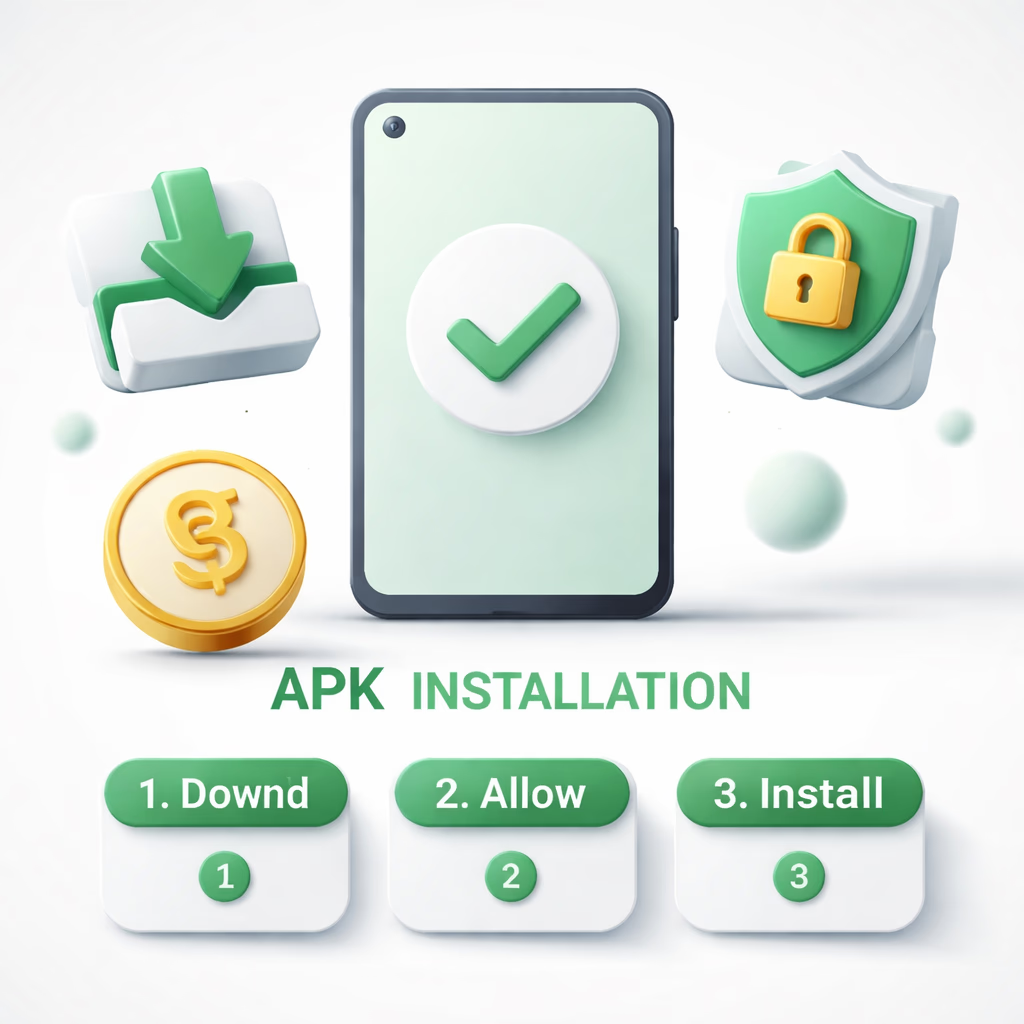
Step 1 — Grab the APK File
Tap Download APK on this page or anywhere across 777-tk.net. The 22.5 MB package drops into your handset's Downloads folder. Your browser might raise a security banner because the file didn't come from Play Store — that is completely normal for direct APKs. Confirm to keep the download. If you received the link via SMS, Telegram or another channel, type 777-tk.net into your browser bar directly to verify — phishing operators push counterfeit APKs that look identical but bundle malware.
Step 2 — Allow Installs From Unknown Sources
Android disables installs from outside Play Store as a default. When you tap the APK, Android asks you to grant your browser (Chrome, Samsung Internet, whichever you used) permission to install applications. Open settings, flip "Allow from this source" on. You can revoke this immediately after installing — the permission is scoped per source app. On Android 7 or older, the toggle sits under Settings → Security → Unknown Sources.
Step 3 — Install and Sign In
Tap the APK from the Downloads folder or the notification tray. Android reveals the permission list (Internet, Storage, Notifications, and optional Camera for in-app KYC captures). Read and accept. The install itself completes in 10–30 seconds. First launch fetches the game asset cache (50–80 MB) — a one-off task, later launches open instantly. Sign in with the same 777TK username and password you use online. Need help? Reach support.
Why the 777TK App Beats Desktop for Mobile-First Players
Cold start speed. The mobile browser needs to fetch HTML, CSS, JavaScript, web fonts, and images every visit. The app already carries these resources locally — launch time drops under one second. Across 50 sessions a month that saves noticeable minutes and cellular data.
Battery draw. Contrary to intuition, the app consumes less battery than the mobile browser for identical play sessions. Browser tabs paint the full DOM and re-run JS on every tap; the native UI runs closer to the metal. Expect roughly 3–5% per hour on slot sessions in the app versus 6–10% in Chrome.
For desktop players or anyone who simply prefers a browser — the mobile site carries the full catalogue and behaves properly on any handset. The app isn't required, it's the optimal path for mobile-first users. See more about us.
Enter the App
